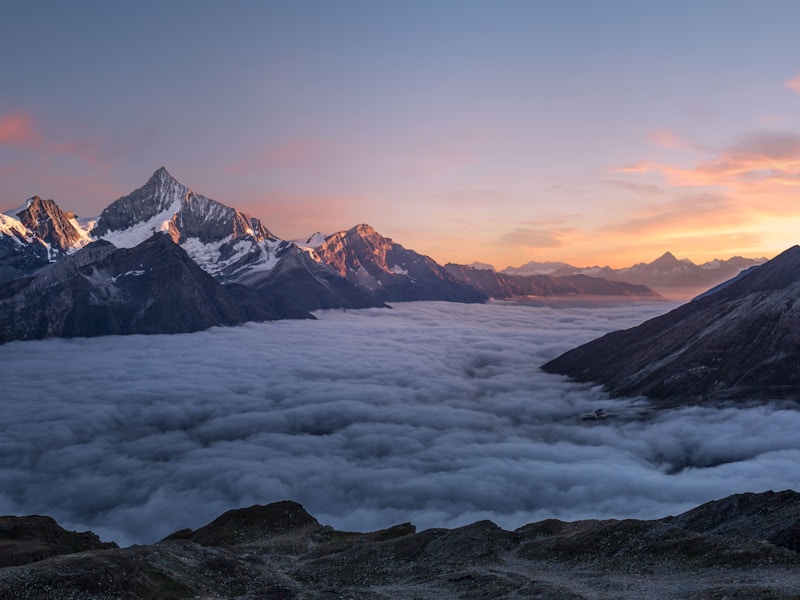
Photo Gallery
Zero-dependency image gallery with grid layout and lightbox viewer.
What it does
A photo gallery built on emdash's PortableText content model. Create a gallery, add images through the rich text editor, and visitors get a responsive grid with a full-screen lightbox viewer.
No external libraries. The grid layout and lightbox are pure CSS and vanilla JavaScript, keeping the bundle lightweight for Cloudflare Workers.
Features
- Responsive CSS grid (3 columns desktop, 2 mobile)
- Full-screen lightbox overlay
- Keyboard navigation (arrow keys, Escape)
- Touch swipe on mobile
- Image counter (e.g. "3 / 12")
- Progressive enhancement: images work without JavaScript
How it works
The gallery uses a galleries collection with a PortableText content field. Editors add images through emdash's rich text editor. On the frontend, a Lightbox Astro component finds all images inside a .gallery-content wrapper, arranges them into a CSS grid, and adds click-to-lightbox behavior.
Unlike the Postmark plugin (which hooks into emdash's email pipeline), the gallery is entirely frontend: a collection schema for storing gallery data, plus Astro components for rendering. This pattern works for any feature where emdash's content model is enough and you don't need server-side hooks.
Setup
There's no package to install. To add a gallery to your emdash site:
- Create a
galleriescollection (via admin panel or MCP schema tools) with the fields below - Copy the
Lightbox.astrocomponent into your project - Create page templates that render gallery content with
<PortableText>inside a.gallery-contentwrapper, and include the<Lightbox />component - Add images through emdash's rich text editor and publish
Collection schema
galleries
  title       string      (required, searchable)
  description text        (searchable)
  content     portableText
Mountain Landscapes
A collection of mountain and nature photography.